
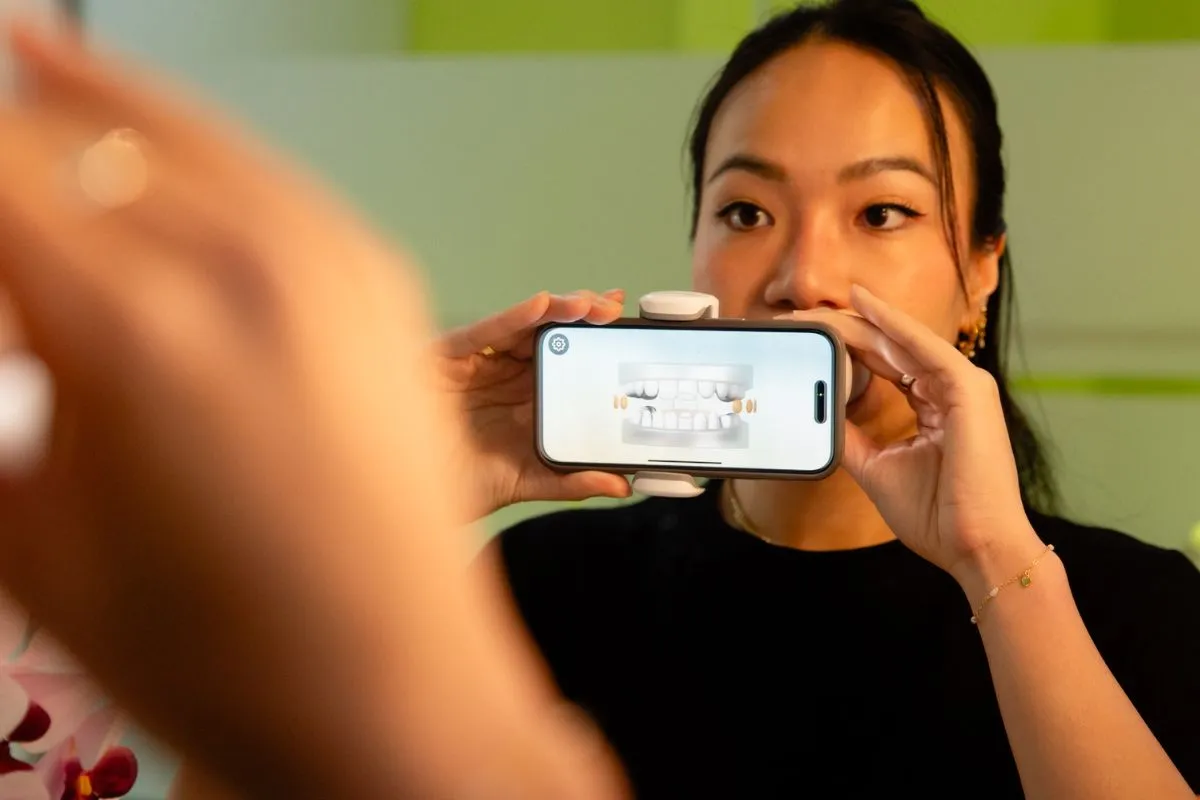
Starting your smile journey with clear aligners is exciting and Dental Monitoring makes it even easier. With the Dental Monitoring app, you can stay connected to our studio teams from home, work, or anywhere your week takes you. If you’re feeling unsure about your first scan, don’t worry. This step-by-step guide will walk you through the process, helping you feel confident from your very first scan to becoming a remote-monitoring pro.
What Is Dental Monitoring?
Dental Monitoring is an AI-guided app that allows our orthodontic team to track your treatment remotely using regular scans of your teeth. Instead of visiting the studio every few weeks, your progress can be reviewed digitally, helping to keep your adult orthodontic treatment on track while detecting potential issues early. This ensures your clear aligner treatment progresses smoothly and finishes on time.
The app also features a built-in chat system, giving you direct access to your treating clinician and orthodontist whenever you have questions or need support.
Why Your First Scan Matters
Your first scan sets the foundation for your remote monitoring journey. It allows our team to confirm that your aligners fit correctly and that your treatment is starting on the right track. Getting this initial scan right makes every future scan easier, more accurate and more consistent. Plus, it gives you a great reference point to see how far your smile has progressed from your first scan to your last.
Before You Begin: Getting Set Up
At your start appointment, we’ll guide you through how to use the scan box and the Dental Monitoring app. While you’ll have full support in the studio, it’s completely normal for your first at-home scan to feel a little unfamiliar at first.
- Download the Dental Monitoring app
You’ll receive an activation email or code from your studio team. Follow the instructions to set up your account.
- Log in and completing the tutorial
The in-app guide shows you how to take your scans using your phone’s camera.
- Keep your dental monitoring kit handy
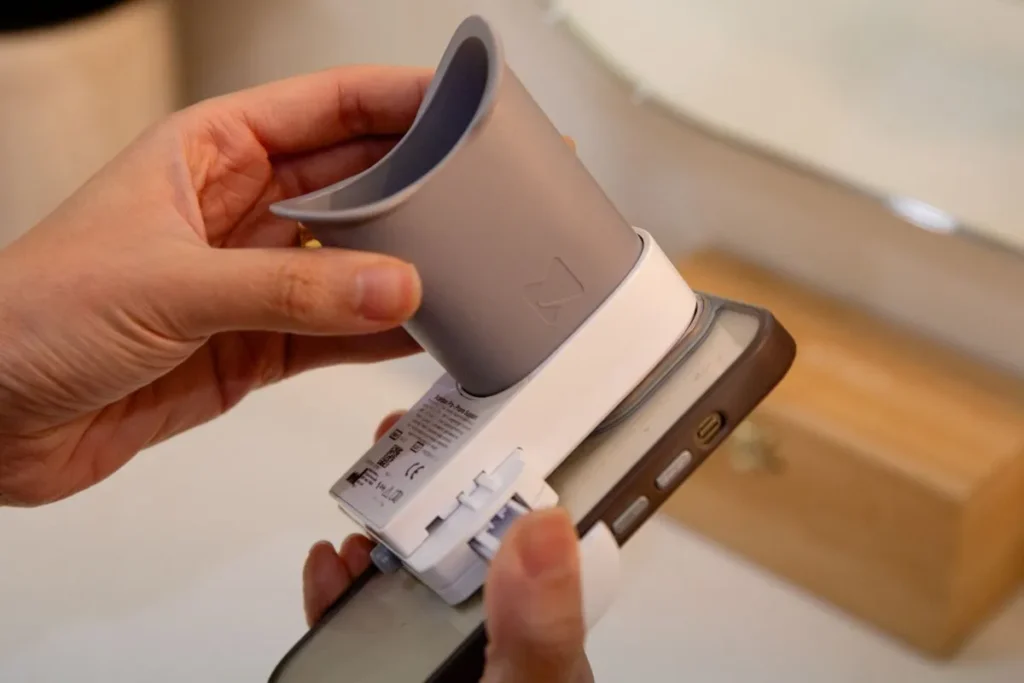
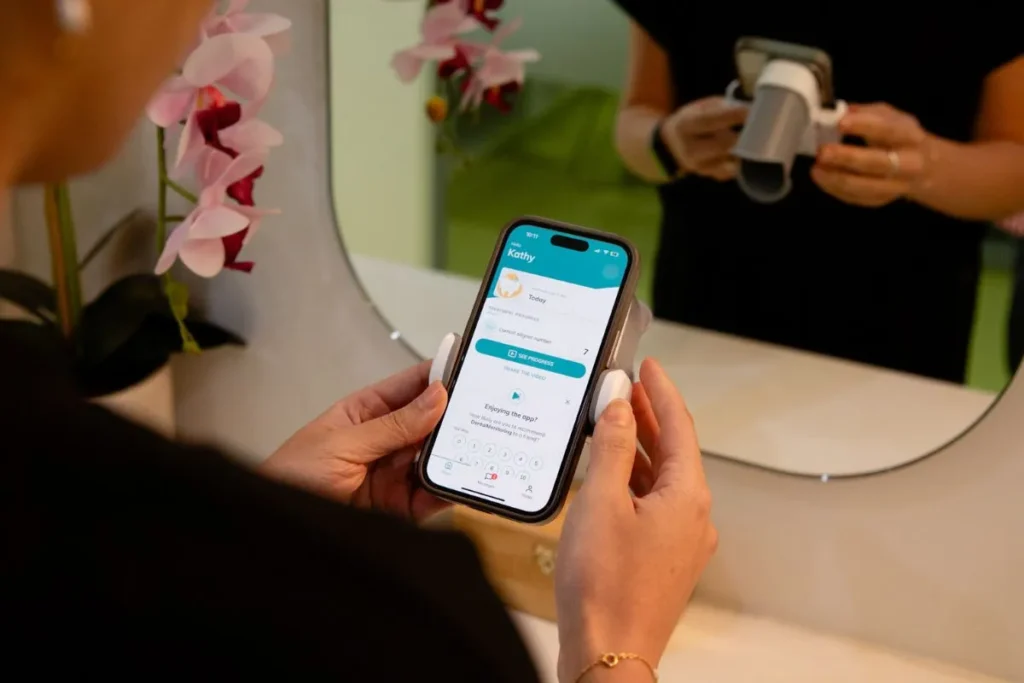
Ensure you keep your phone support and cheek retractor tube handy so you can complete your scans wherever you are.
Tip: Choose a well-lit space, natural light works best. Avoid harsh backlighting or dim rooms.
How to Complete Your First Scan with Confidence
1. Open your Dental Monitoring app
Tap the scan notification or head into your dashboard to begin.
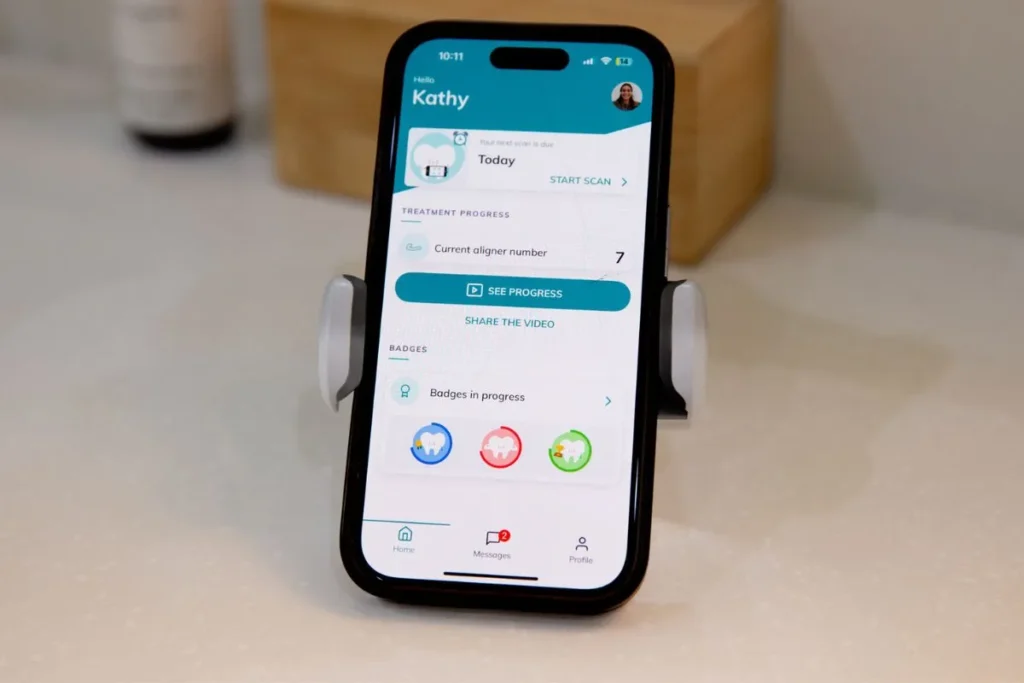
2. Attach the phone support and cheek retractor tube
These help widen your smile so the orthodontist can see every angle. Make sure they feel secure and comfortable.
3. Follow the prompts slowly
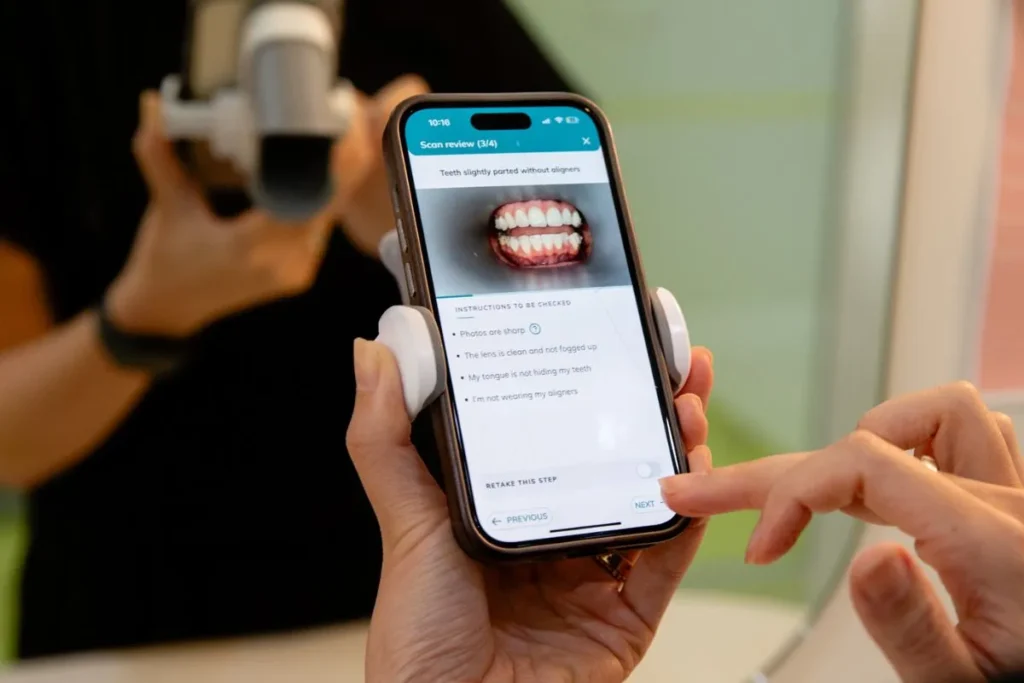
The app will guide you through each required photo. Move your head, phone, and Scan Box as instructed. Take your time.

- Follow the instructions for scanning
The app will guide you to take a scan with and without your aligners to ensure re they’re fitting correctly.
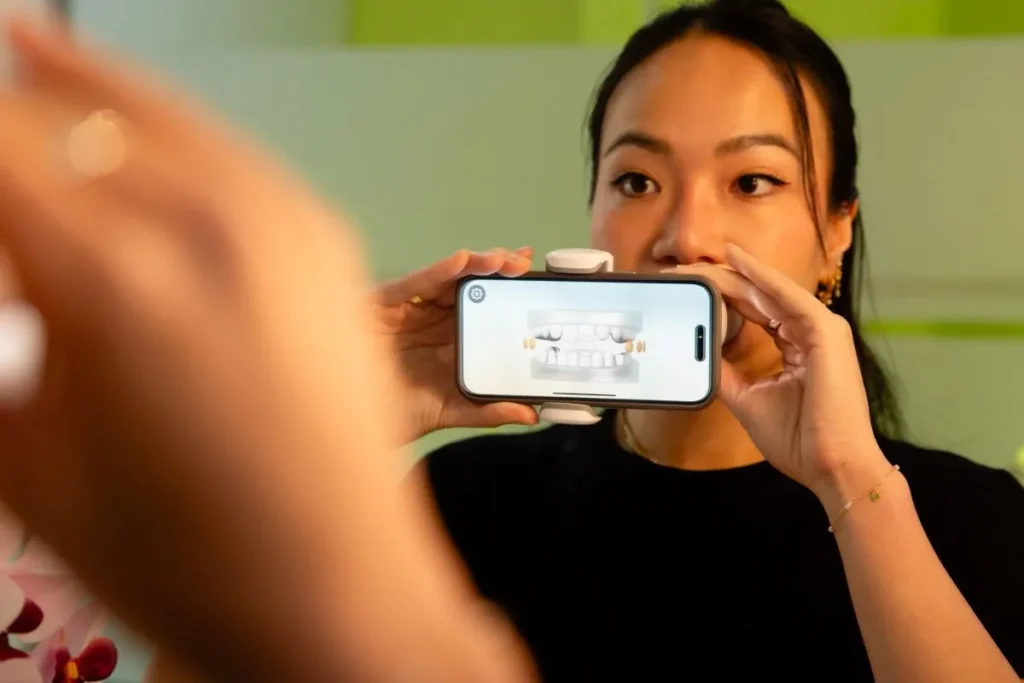
5. Double-check your images
If the app flags an image as blurry or too dark, ensure to retake it before submitting.
6. Submit your scans
Your scan uploads directly to the Urban Smile team for review. You’ll receive feedback or instructions as soon as we assess your images.
What Happens After Your First Scan?
Once we review your scan, they’ll let you know via the app whether:
- Your aligners are tracking correctly
- You can move to your next aligner
- You need to take another scan or send additional photos
This feedback helps keep your treatment moving without delays.
Becoming a Dental Monitoring Pro: Tips for Remote Success
1. Scan on the same day each week
Consistency helps us to monitor changes accurately and helps you build a routine.
2. Keep your ScanBox clean
A quick wipe ensures clear images (and avoids blurry photos caused by smudges!).
3. Turn on notifications
Reminders make it easier to stay on track, especially if you have a busy schedule.
4. Use the messaging feature
Message us directly through the app with any questions you have along the way.
5. Celebrate your progress
Regular scans allow you to see your transformation week by week.
Why Our Patients Love Dental Monitoring
- Fewer in-clinic appointments
- Faster feedback from your orthodontist
- Increased treatment accuracy
- Convenient monitoring from anywhere
- A clear visual record of your smile transformation
Remote monitoring saves time and keeps your treatment moving efficiently, especially if you travel, have a busy schedule, or simply prefer fewer clinic visits.
Ready to Master Your Dental Monitoring Journey?
Your first scan is just the beginning. With a little practice, scanning becomes quick, easy, and second nature, helping you achieve your best smile with confidence and convenience.